
After finishing the Welcome Tour, choose Activate License to begin your registration. The registration page will appear, prompting you to fill in your details.
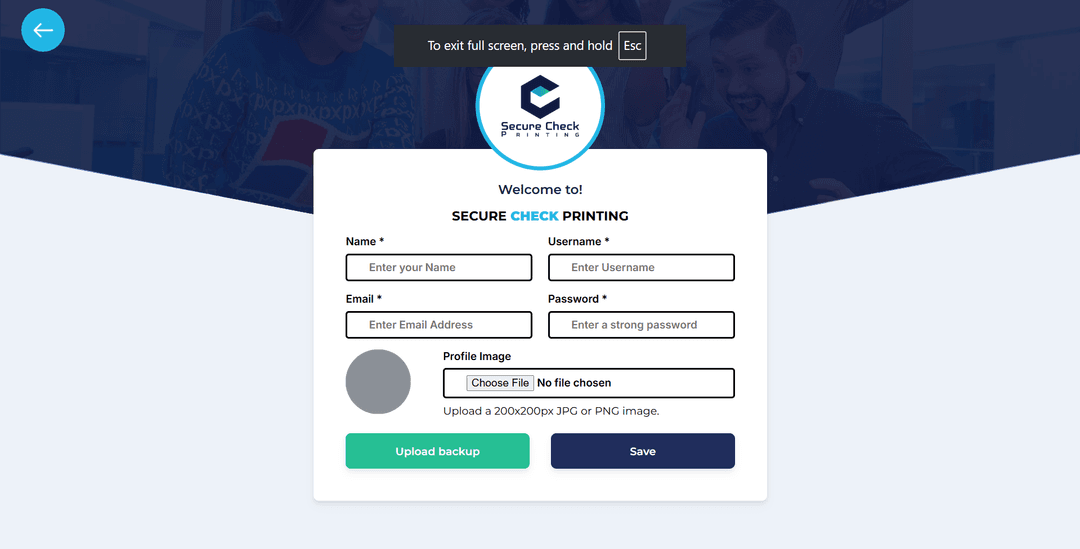
Provide the following information:
Once all fields are filled, click Save to proceed.
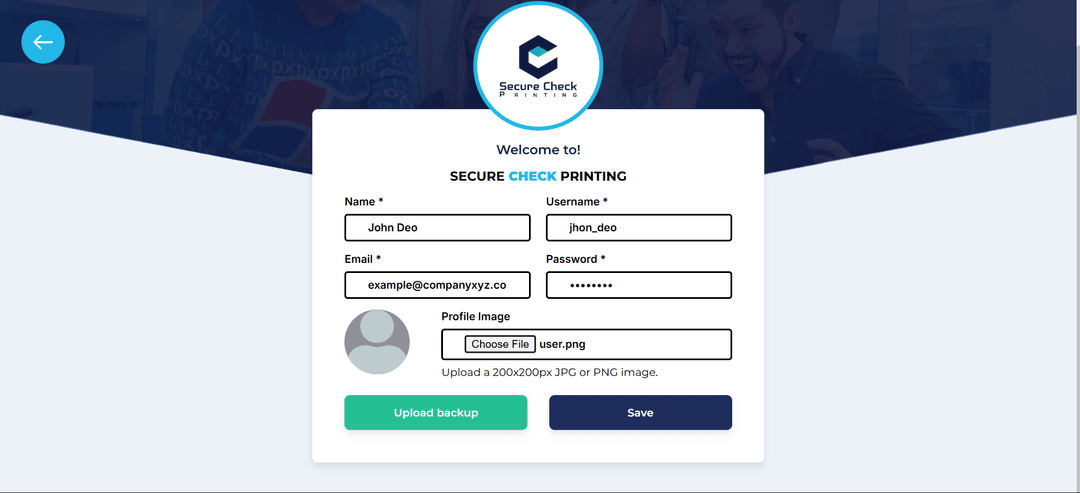
If you’re migrating the software from another computer, use the Upload Backup option on this page.
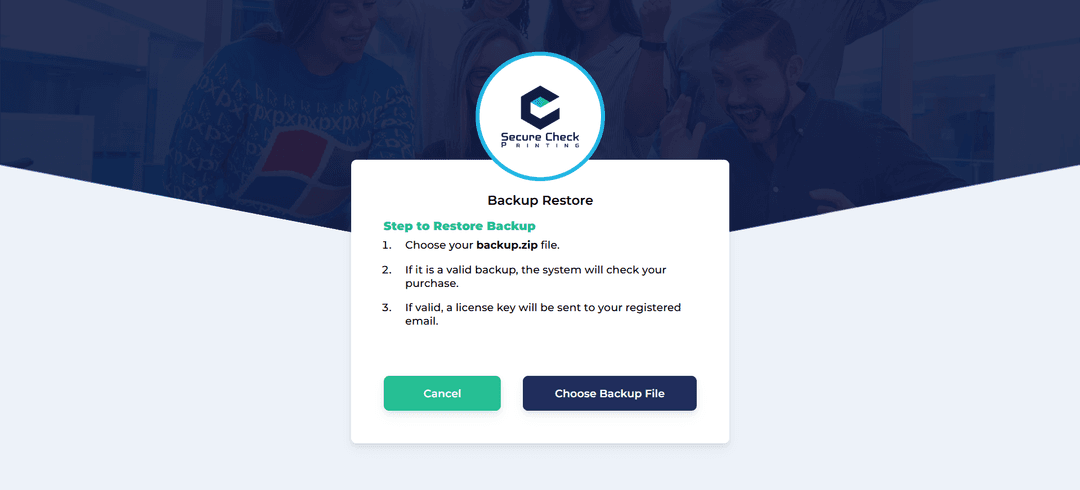
This option is only for users moving from an old computer to a new one.
After registration, the system will verify your purchase and send your License Key to your registered email.
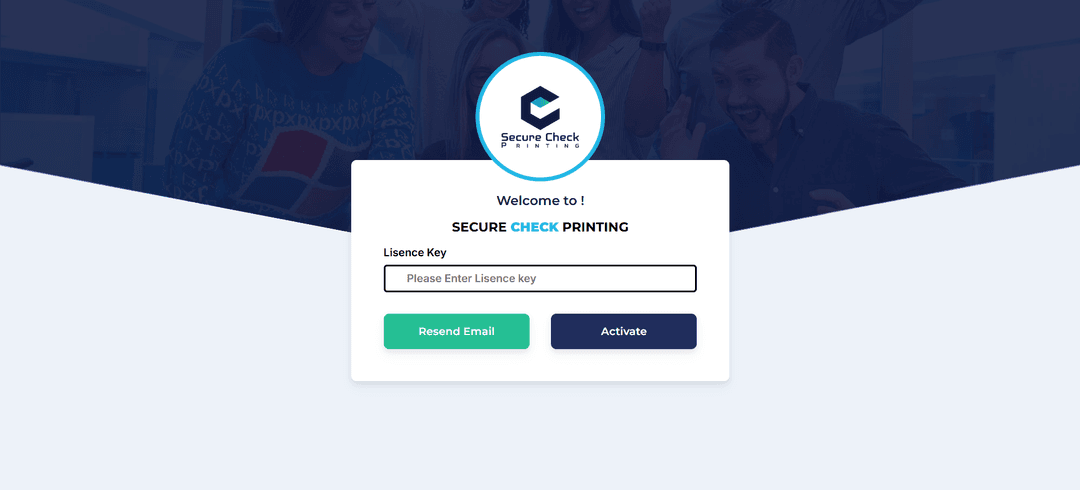
Your software will instantly unlock full functionality with a 5-year validity.
Once your license is successfully activated, you’ll be guided to the Security Questions page. This helps protect your account in case you ever forget your password.